Tropical Humid, an itinerary for the wet season
Stop fighting the sky. Keep the leaves wet.
Tropical Humid is for the wet season as it is: the sky milky, the leaves specular, the shade under the canopy honestly green. One tap in the free Lightroom app on iPhone and Android, or in Lightroom Classic.
For tropical travellers and expat creators who would rather show the humidity than hide it.
- Works in the free Lightroom app
- Lightroom Classic and desktop too
- Instant download
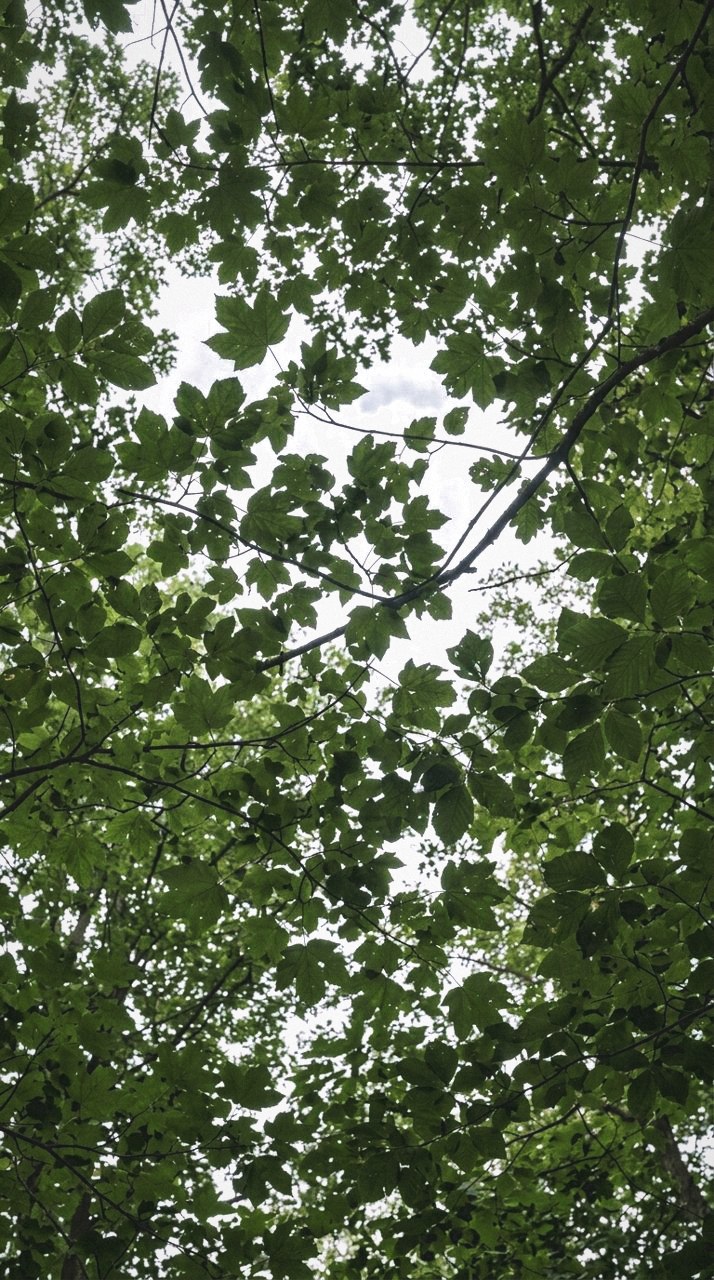
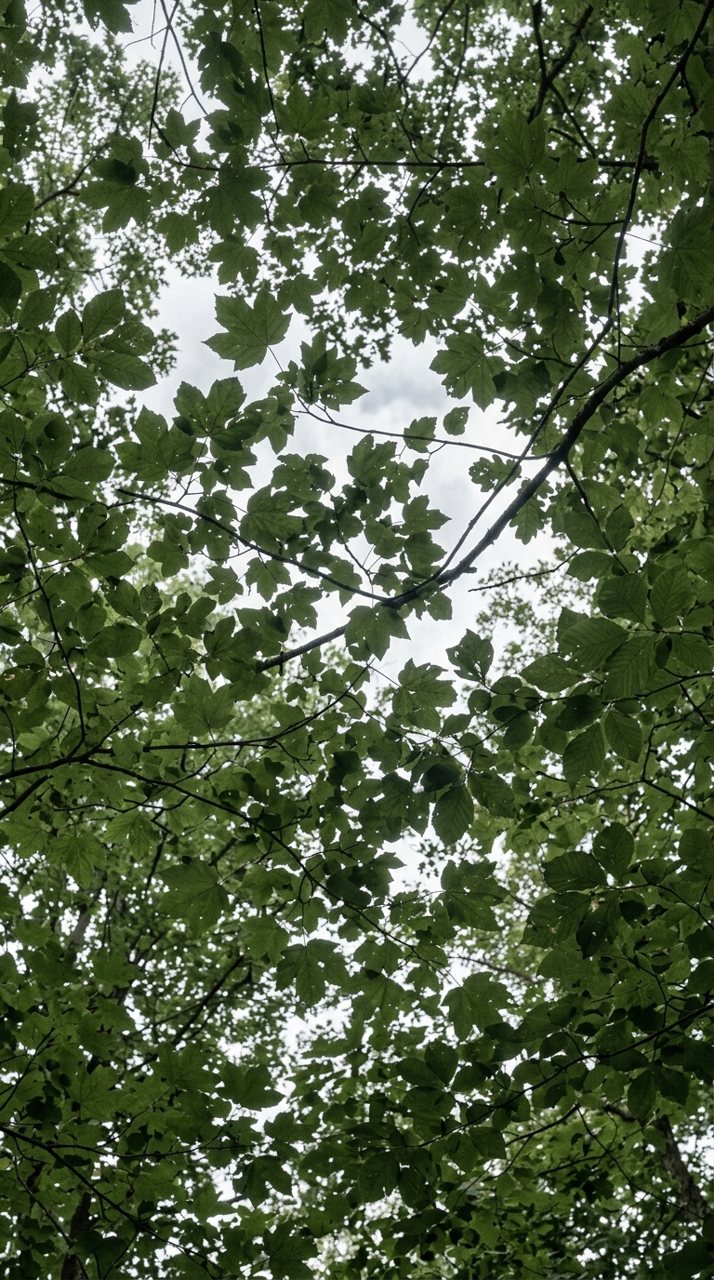
see it
Where you stood
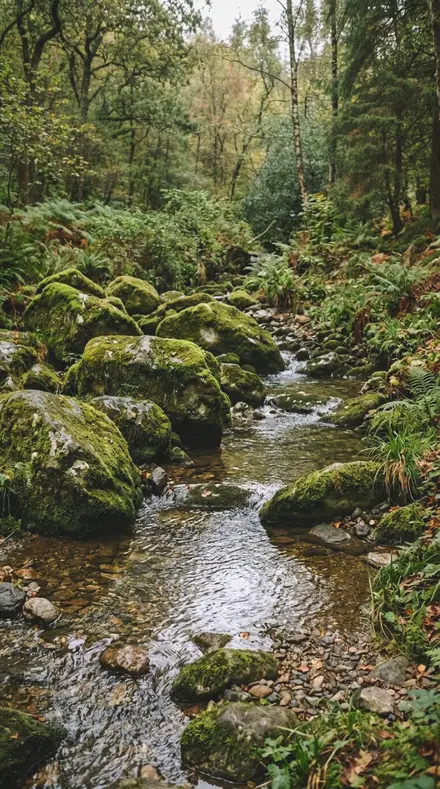
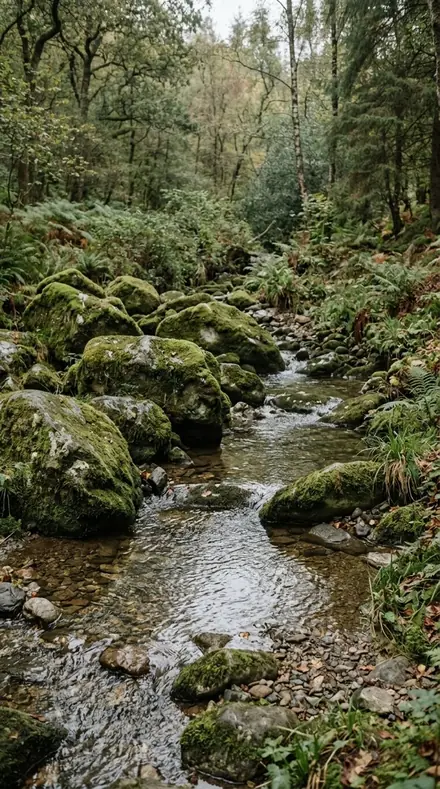
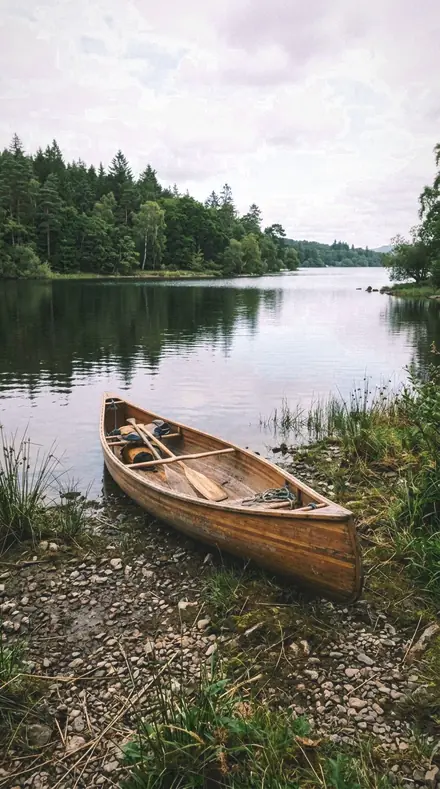
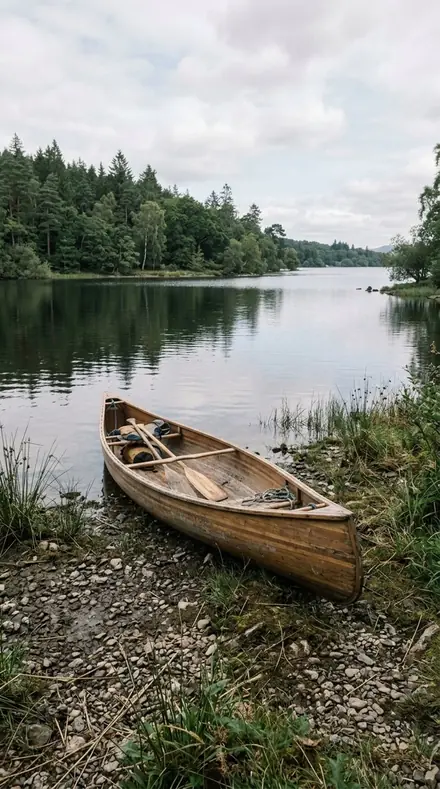
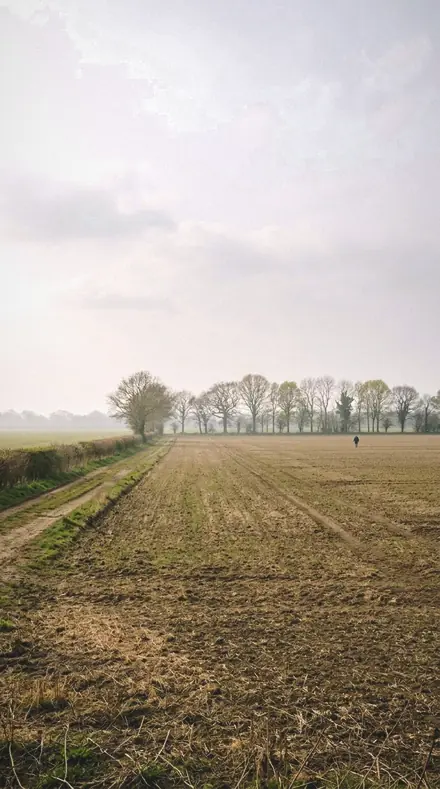
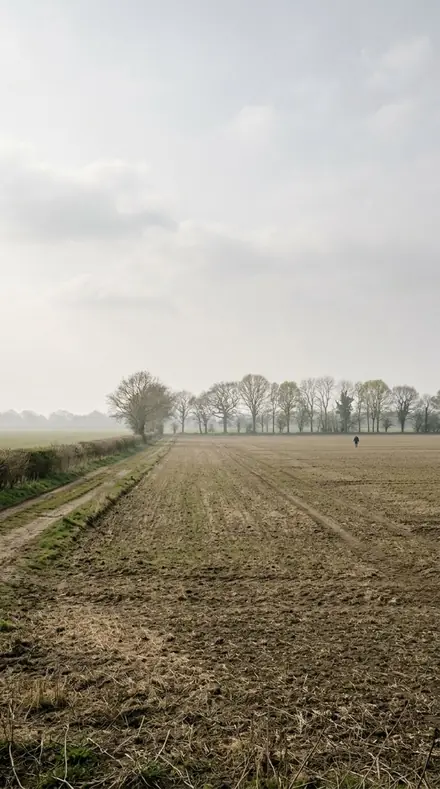
Equatorial air is thick with water. Short wavelengths scatter, the sky goes milky, and distance loses its contrast. Most presets fight that with dehaze and end up with a sky that never happened. These do the opposite. Humid Glare desaturates the blue band to say what the air did, Milky Sky lifts the toe and accepts the flattened distance, Vapour Wall keeps the haze when the haze is the picture.
The day runs in three legs. Morning is sky: Vapour Light firms contrast only a little, Steam Air lets the curve toe account for the raised black point, Lagoon Haze takes still water pale rather than blue. Midday is sun: Overhead Sun and Vertical Sun open the short shadows a zenith sun leaves, Palm Shade grades the high-frequency light through leaves with texture instead of clarity, Leaf Sweat and Leaf Gloss pull the highlights hard so a wet leaf stays a specular sheet.
Afternoon is shade. Canopy Damp pushes the tint toward magenta because light through a closed canopy is green. Leaf Sap keeps the extra saturation of wet vegetation in the green band alone. Fern Shade turns the aqua hue so the shade never goes cyan. Forest Damp and Mangrove Light sit the grading wheels in the green arc for the floor and the tidal forest. Humid Shade is for a subject lit by nothing but scattered green.
Apply one and let the weather stay. The sliders are all there if you change your mind.
the itinerary
The Itinerary
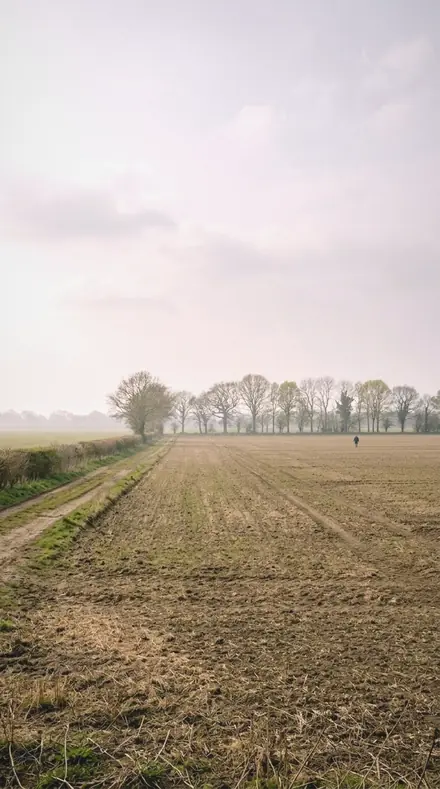
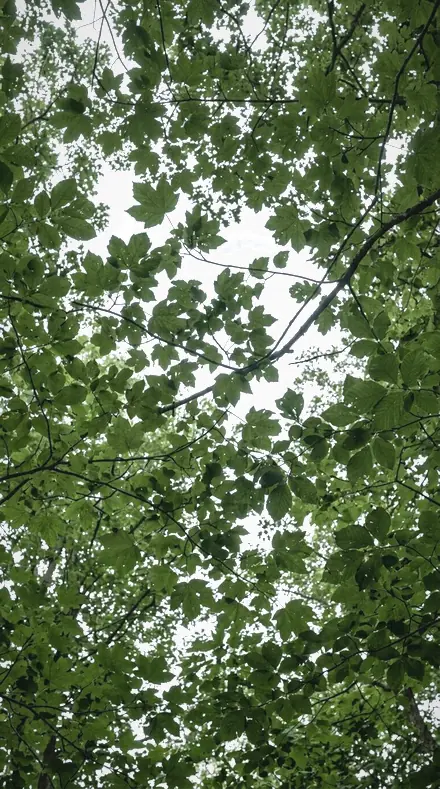
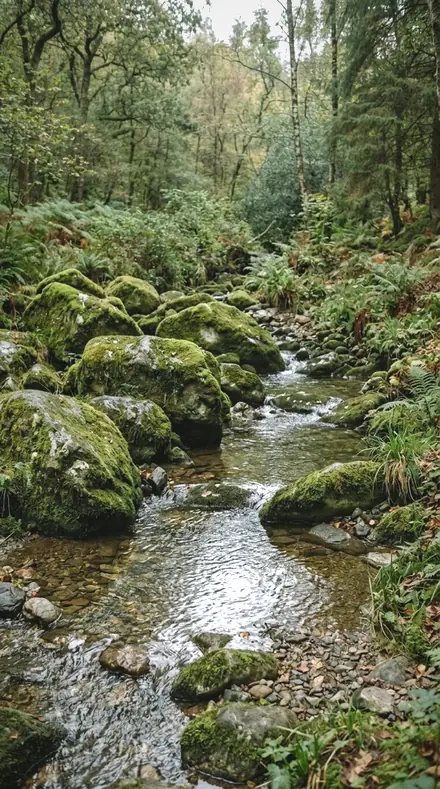
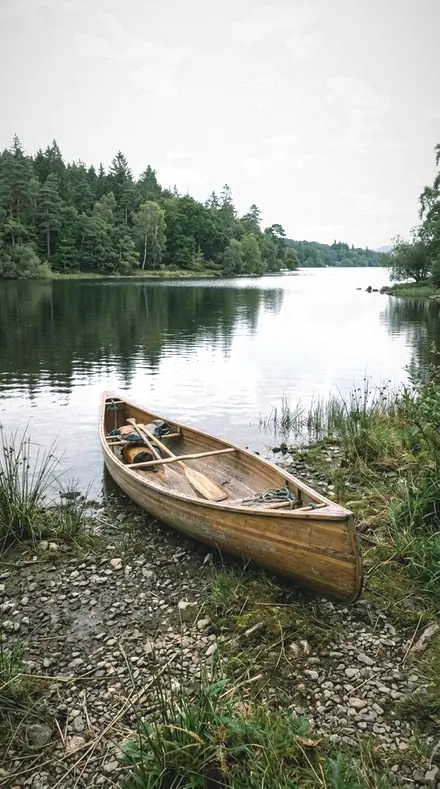
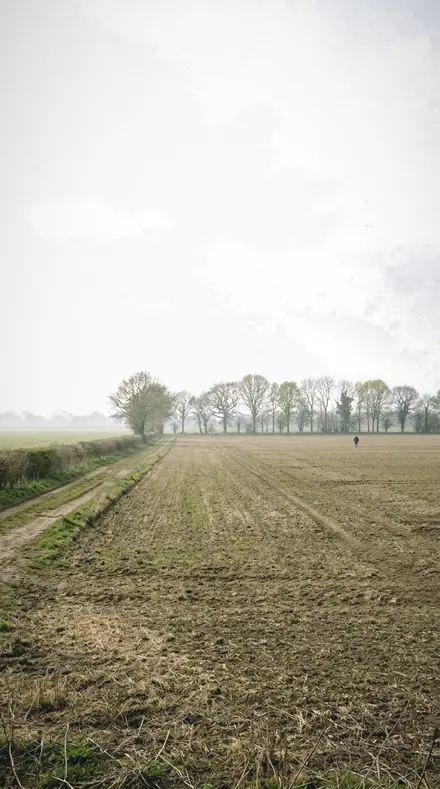
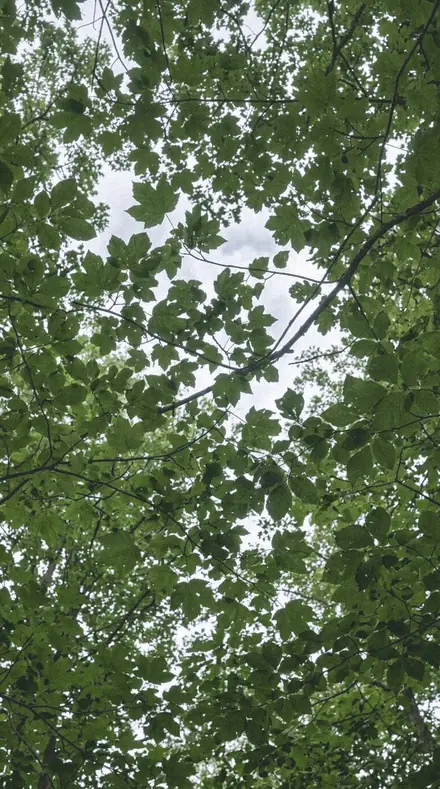
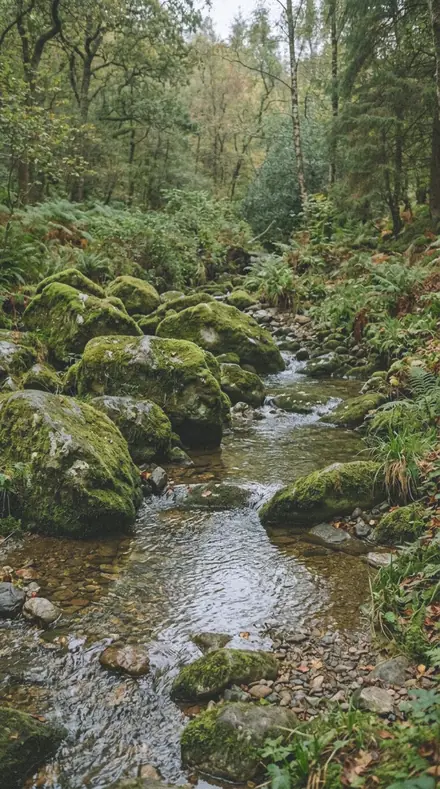
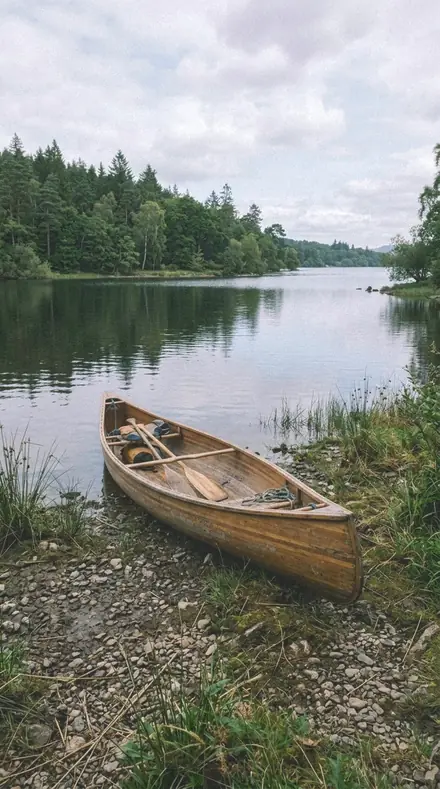
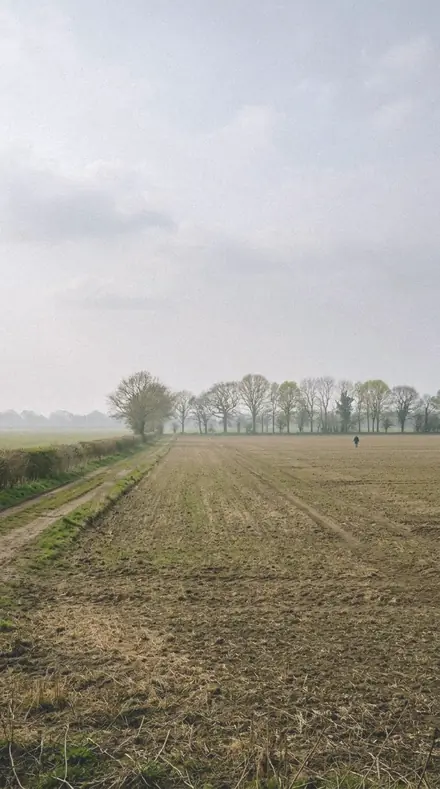
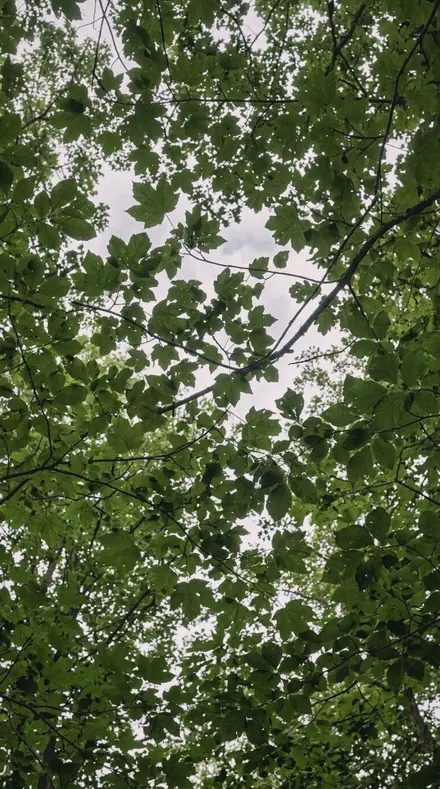
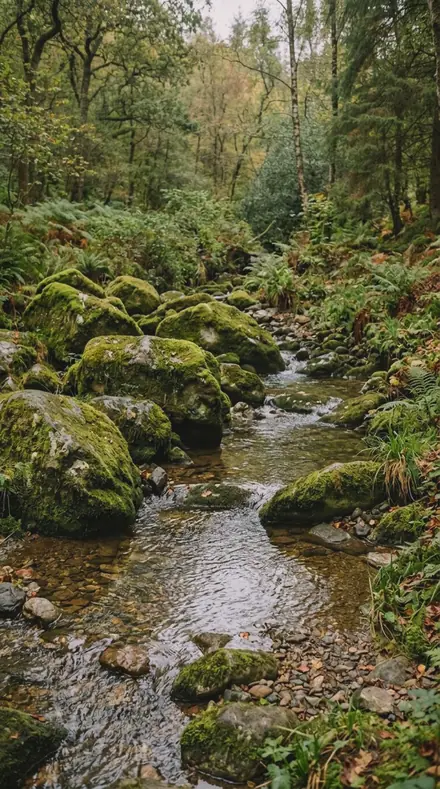
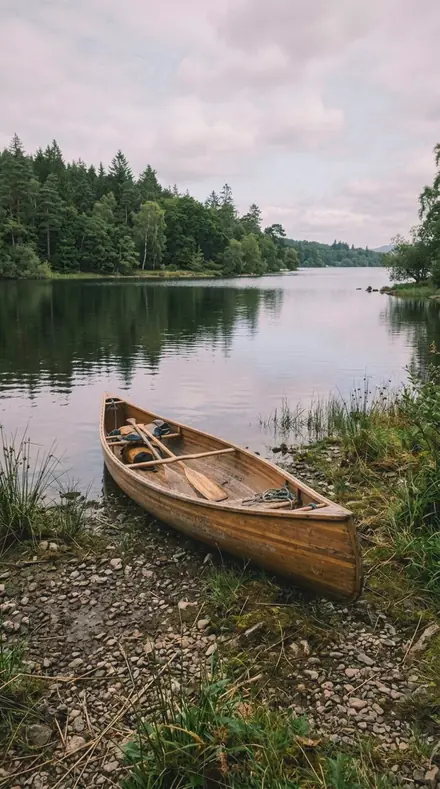
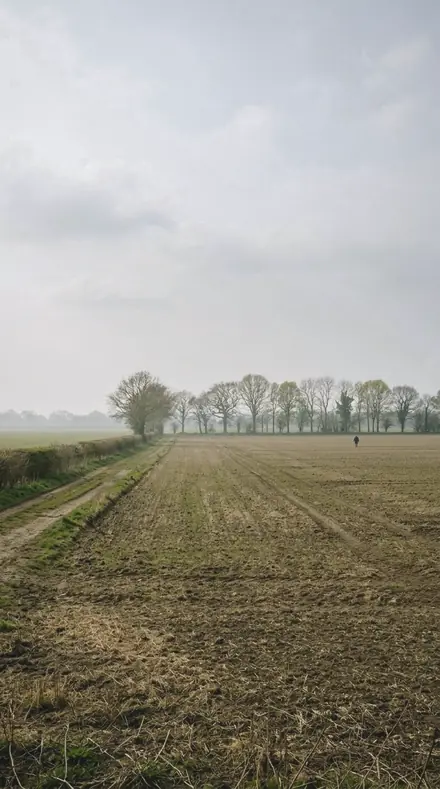
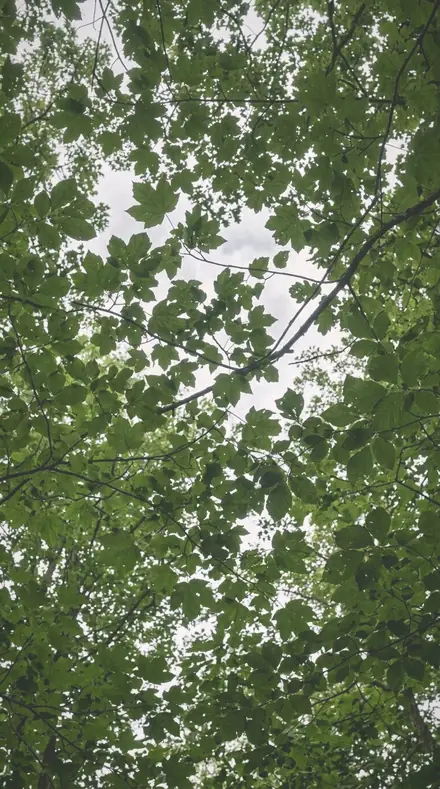
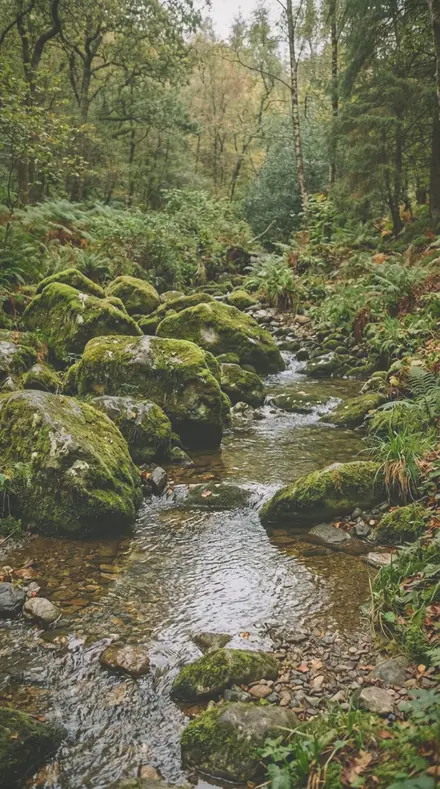
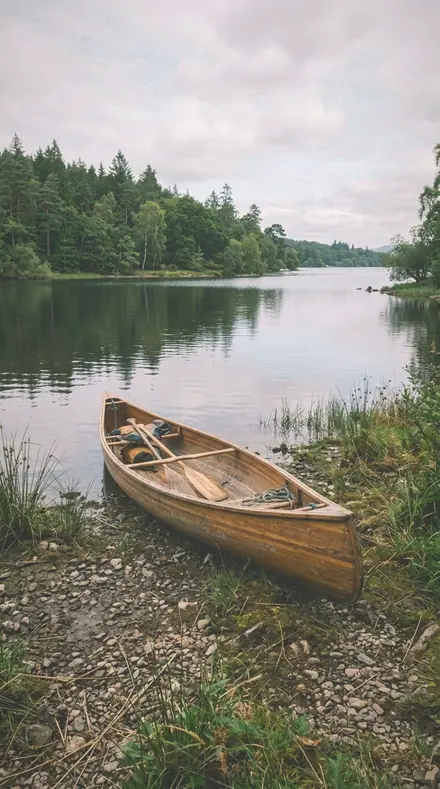
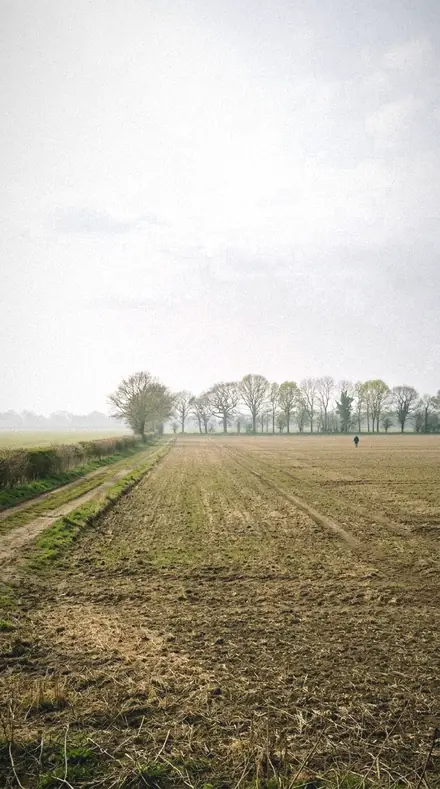
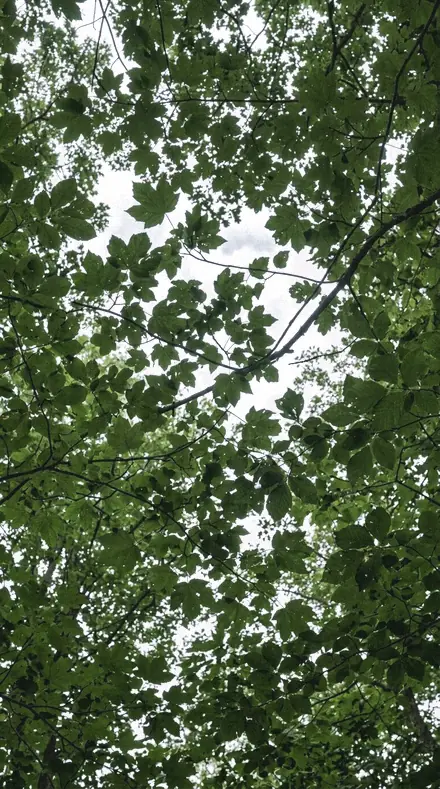
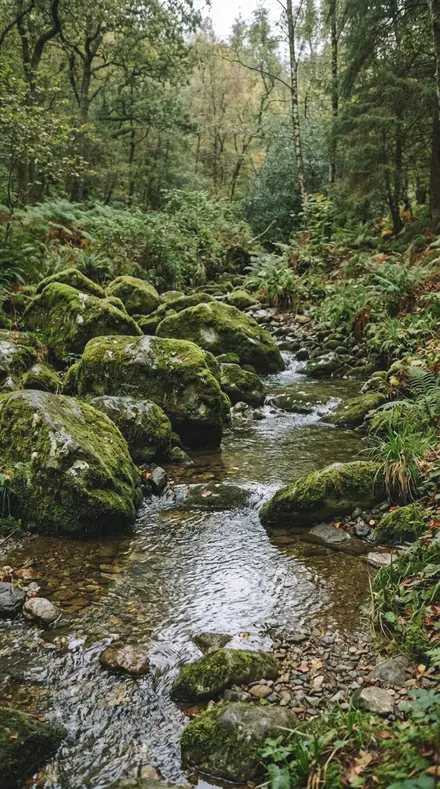
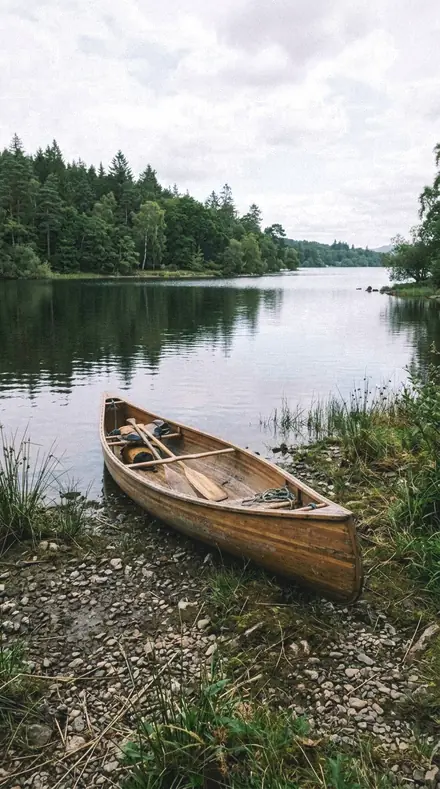
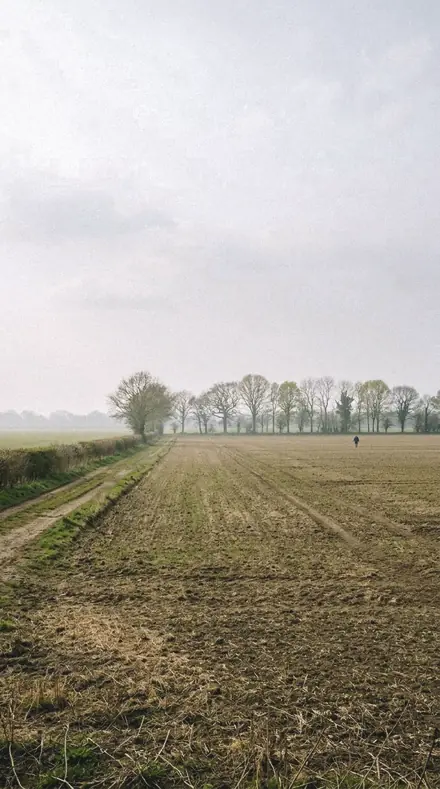
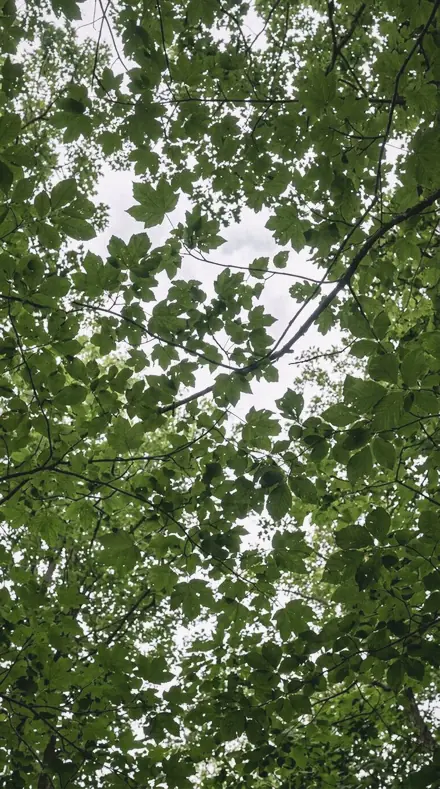
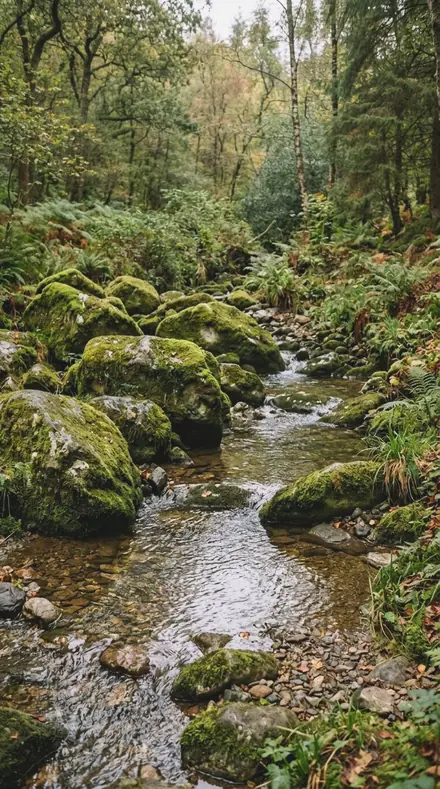
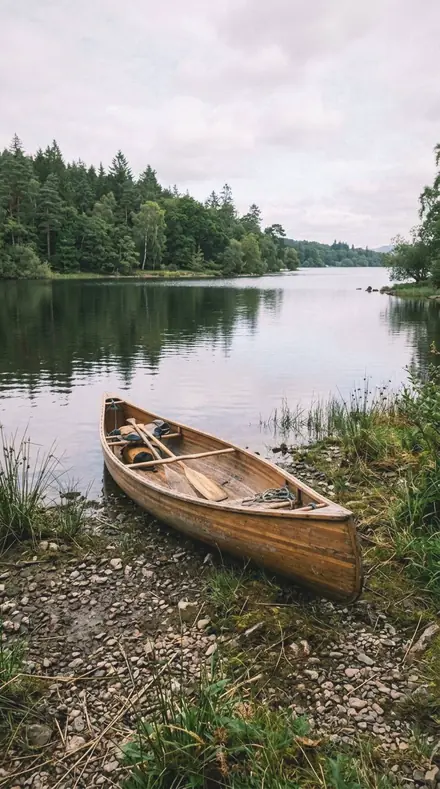
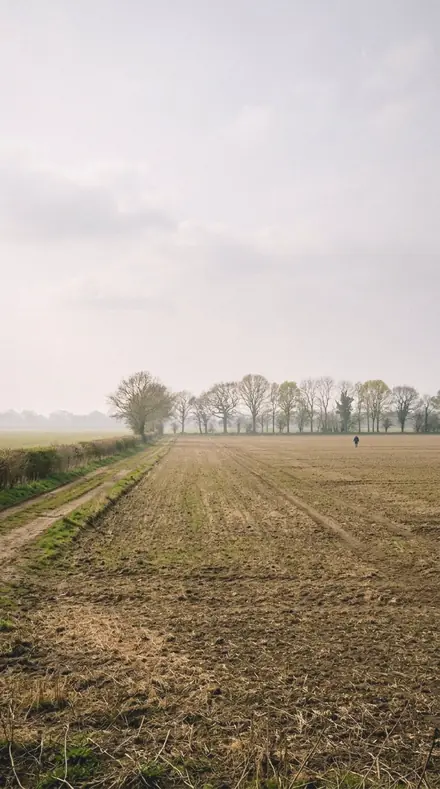
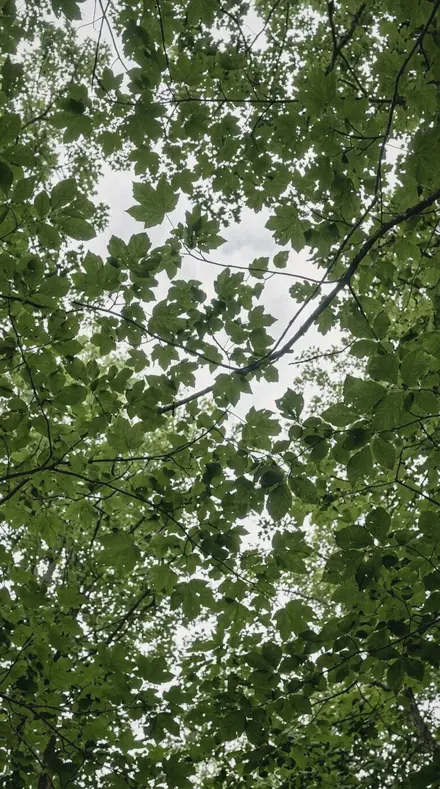
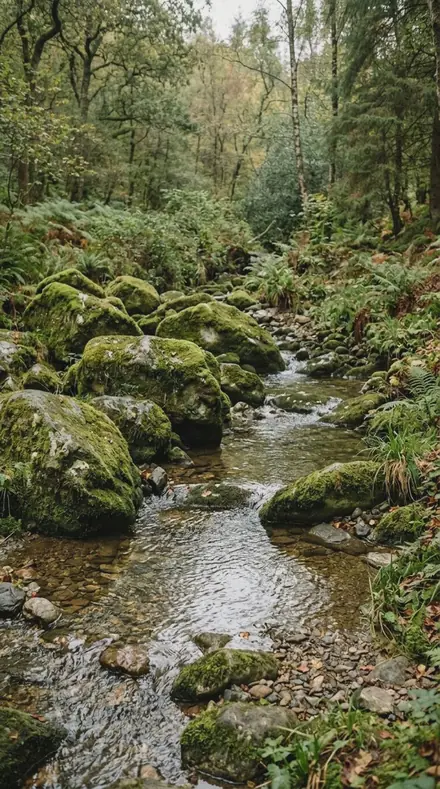
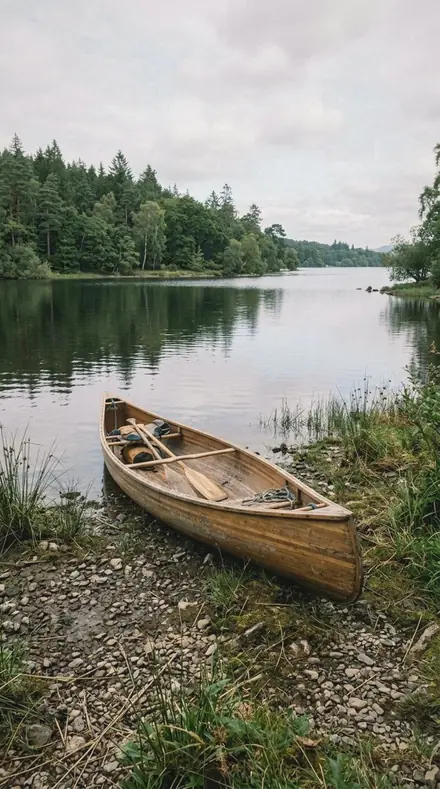
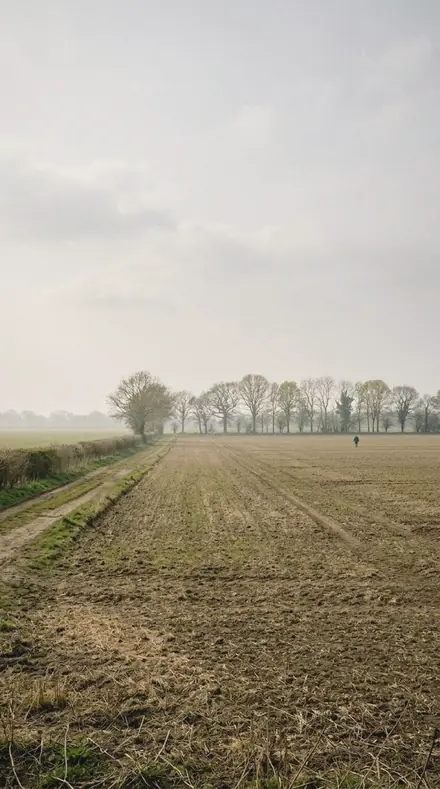
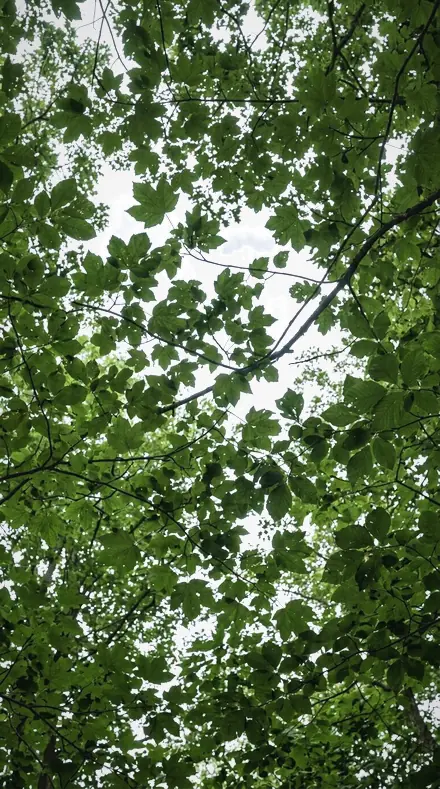
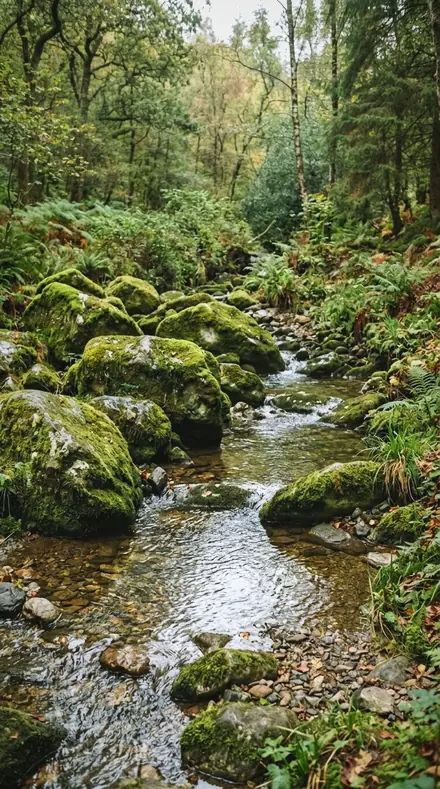
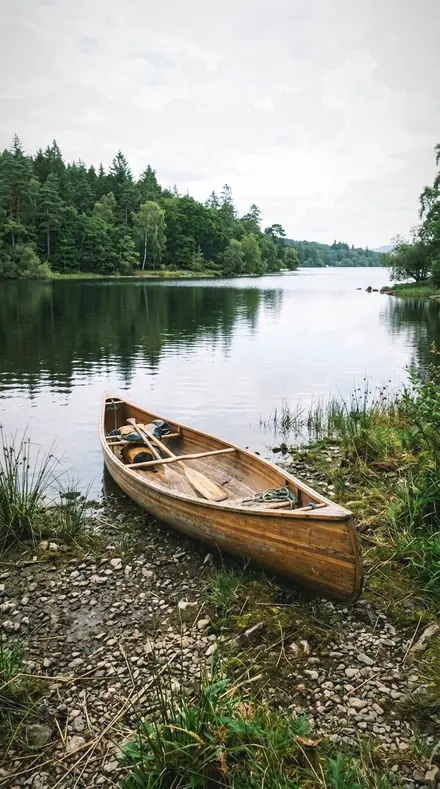
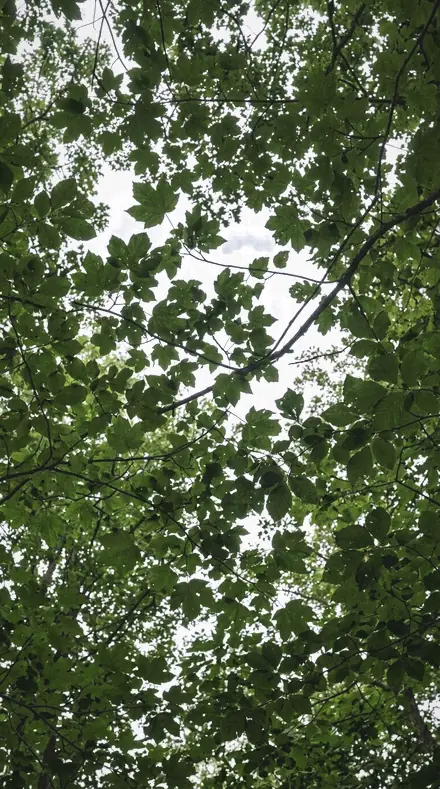
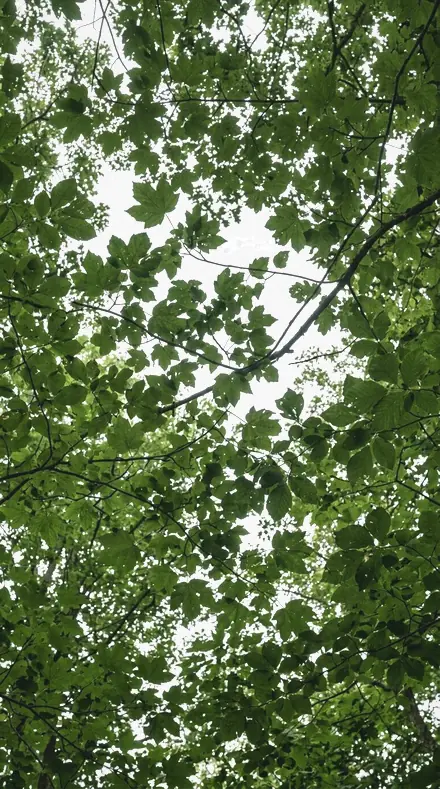
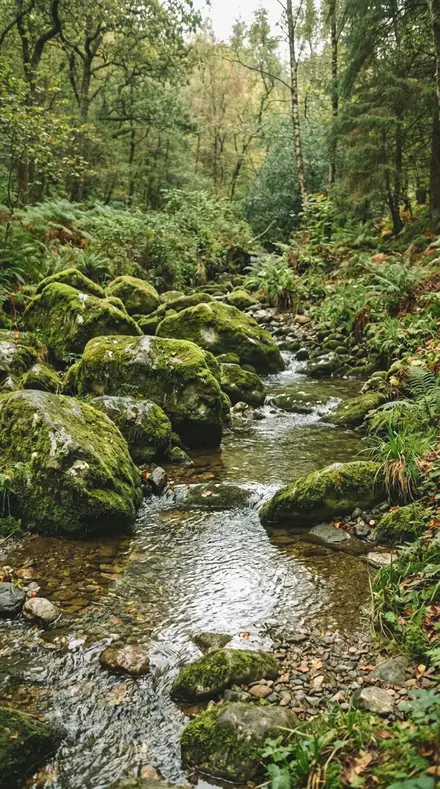
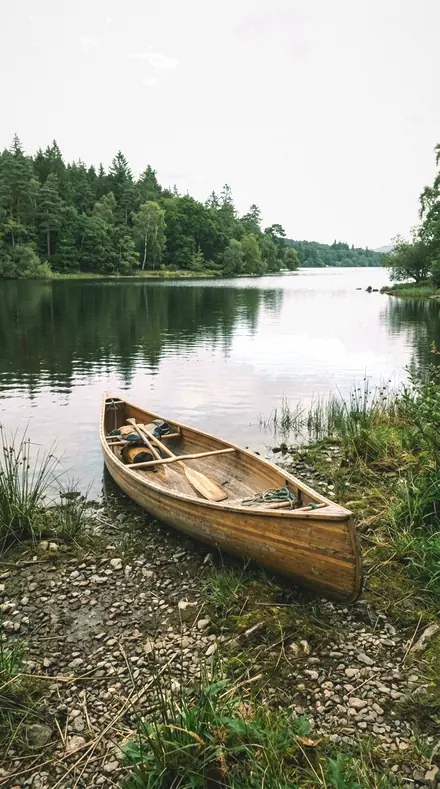
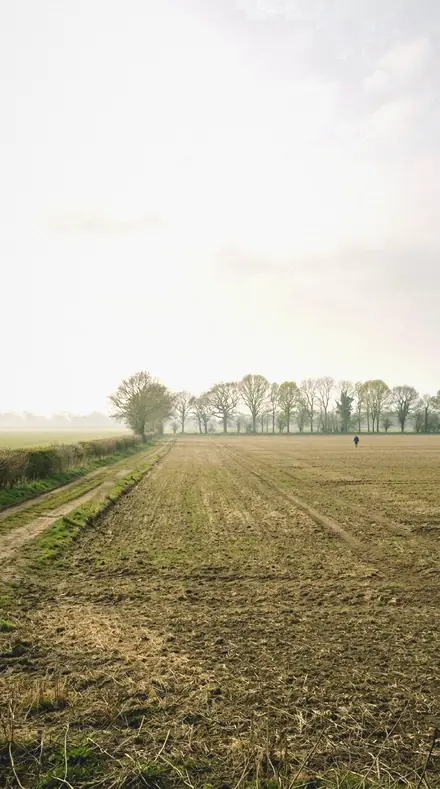
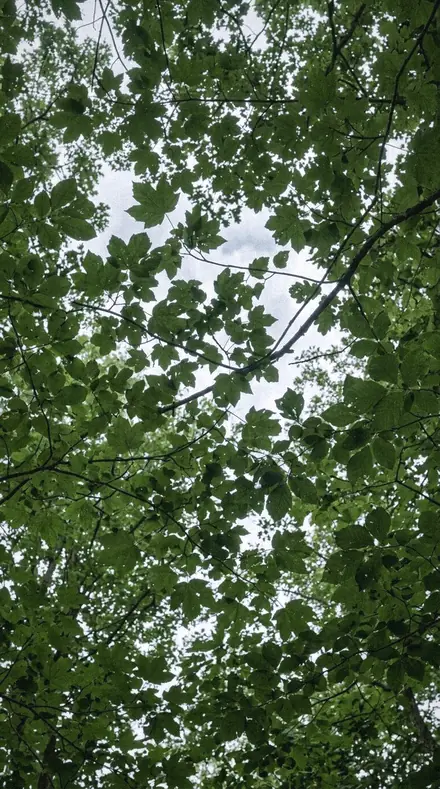
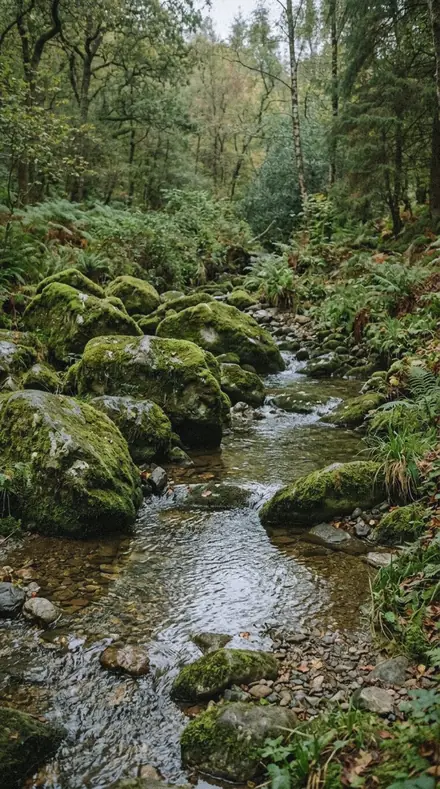
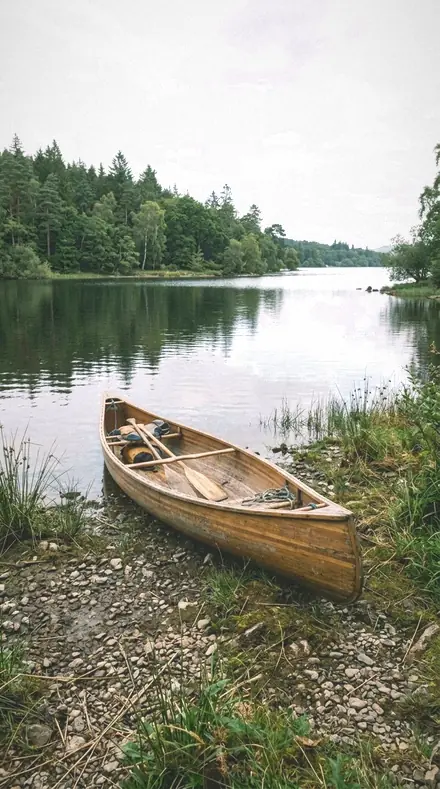
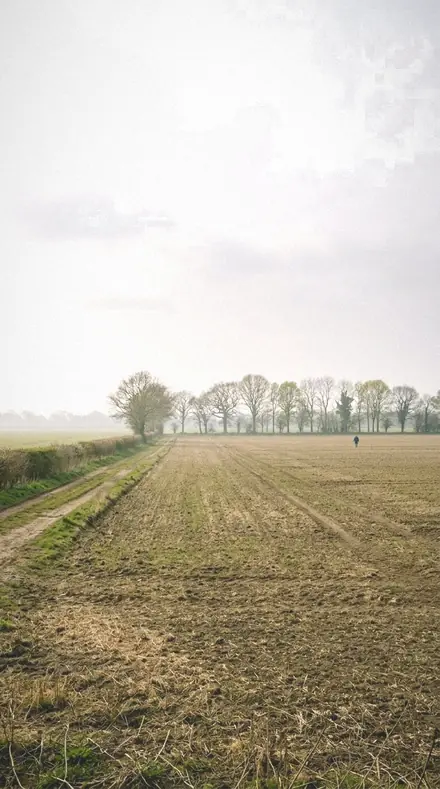
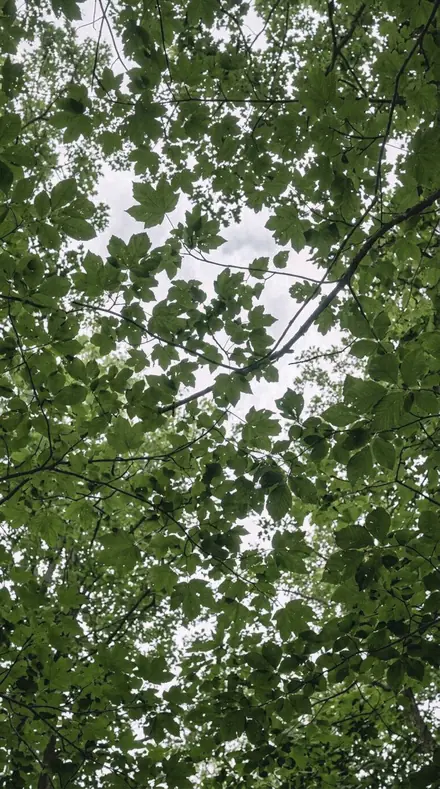
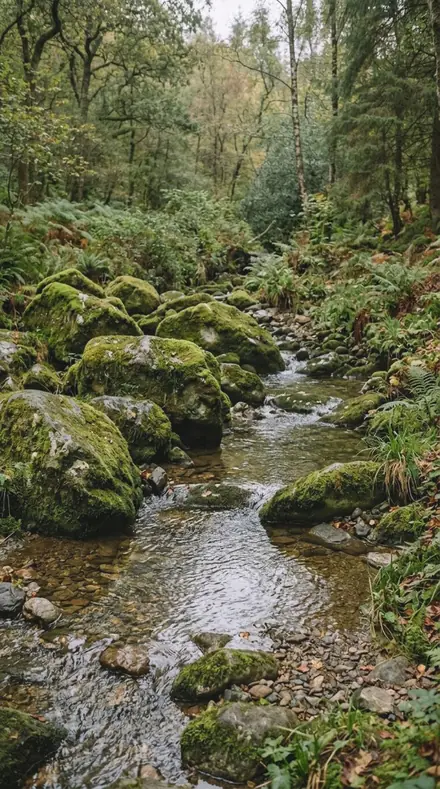
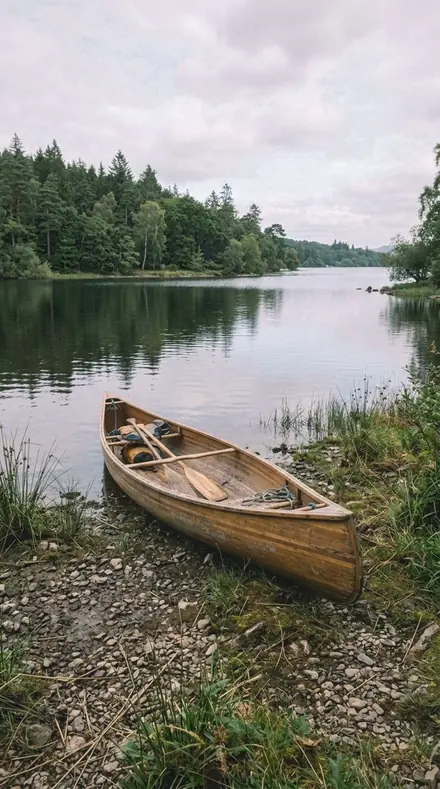
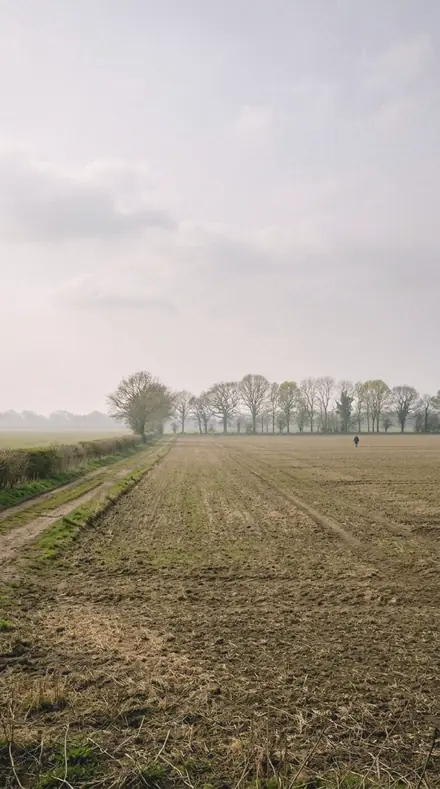
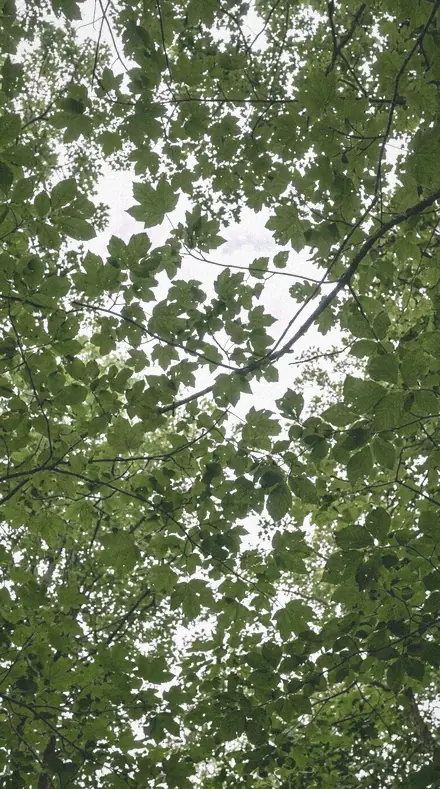
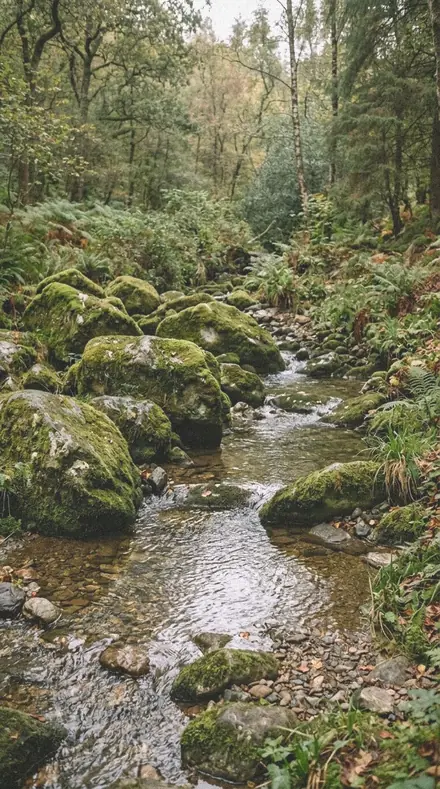
Morning, midday and afternoon, each stop on the same four frames, a canopy, wet rock, a lagoon and a misted field.
Morning, the sky
6 presetsMilky and accepted. Vapour, steam, the pale lagoon, the haze as the subject.
day 01Humid Glareequatorial air is thick with water vapour, so short wavelengths scatter heavily and the sky goes milky; the blue band is desaturated to say so
![Humid Glare applied to Shade under the fronds, green left honest]()
![Before: Shade under the fronds, green left honest]()
Shade under the fronds, green left honest ![Humid Glare applied to Wet stone and leaf, the sheen kept]()
![Before: Wet stone and leaf, the sheen kept]()
Wet stone and leaf, the sheen kept ![Humid Glare applied to The lagoon, pale under a hazy sky]()
![Before: The lagoon, pale under a hazy sky]()
The lagoon, pale under a hazy sky ![Humid Glare applied to The milky sky, accepted]()
![Before: The milky sky, accepted]()
The milky sky, accepted Drag the handle. Left is the original, right is Humid Glare. Rendered from the preset's own settings, not a Lightroom export, so the real thing carries a little more bite.
day 04Milky Skyheavy Mie scattering flattens distance contrast; the lifted toe accepts that rather than faking clarity
![Milky Sky applied to Shade under the fronds, green left honest]()
![Before: Shade under the fronds, green left honest]()
Shade under the fronds, green left honest ![Milky Sky applied to Wet stone and leaf, the sheen kept]()
![Before: Wet stone and leaf, the sheen kept]()
Wet stone and leaf, the sheen kept ![Milky Sky applied to The lagoon, pale under a hazy sky]()
![Before: The lagoon, pale under a hazy sky]()
The lagoon, pale under a hazy sky ![Milky Sky applied to The milky sky, accepted]()
![Before: The milky sky, accepted]()
The milky sky, accepted Drag the handle. Left is the original, right is Milky Sky. Rendered from the preset's own settings, not a Lightroom export, so the real thing carries a little more bite.
day 05Vapour Lightvapour in the beam path spreads it in all directions, so contrast is only modestly firmed
![Vapour Light applied to Shade under the fronds, green left honest]()
![Before: Shade under the fronds, green left honest]()
Shade under the fronds, green left honest ![Vapour Light applied to Wet stone and leaf, the sheen kept]()
![Before: Wet stone and leaf, the sheen kept]()
Wet stone and leaf, the sheen kept ![Vapour Light applied to The lagoon, pale under a hazy sky]()
![Before: The lagoon, pale under a hazy sky]()
The lagoon, pale under a hazy sky ![Vapour Light applied to The milky sky, accepted]()
![Before: The milky sky, accepted]()
The milky sky, accepted Drag the handle. Left is the original, right is Vapour Light. Rendered from the preset's own settings, not a Lightroom export, so the real thing carries a little more bite.
day 11Steam Airsteam rising from warm ground scatters forward and raises the black point, which the curve toe accounts for
![Steam Air applied to Shade under the fronds, green left honest]()
![Before: Shade under the fronds, green left honest]()
Shade under the fronds, green left honest ![Steam Air applied to Wet stone and leaf, the sheen kept]()
![Before: Wet stone and leaf, the sheen kept]()
Wet stone and leaf, the sheen kept ![Steam Air applied to The lagoon, pale under a hazy sky]()
![Before: The lagoon, pale under a hazy sky]()
The lagoon, pale under a hazy sky ![Steam Air applied to The milky sky, accepted]()
![Before: The milky sky, accepted]()
The milky sky, accepted Drag the handle. Left is the original, right is Steam Air. Rendered from the preset's own settings, not a Lightroom export, so the real thing carries a little more bite.
day 14Lagoon Hazestill water under a hazy sky is pale, not blue; blue luminance is raised and its saturation cut
![Lagoon Haze applied to Shade under the fronds, green left honest]()
![Before: Shade under the fronds, green left honest]()
Shade under the fronds, green left honest ![Lagoon Haze applied to Wet stone and leaf, the sheen kept]()
![Before: Wet stone and leaf, the sheen kept]()
Wet stone and leaf, the sheen kept ![Lagoon Haze applied to The lagoon, pale under a hazy sky]()
![Before: The lagoon, pale under a hazy sky]()
The lagoon, pale under a hazy sky ![Lagoon Haze applied to The milky sky, accepted]()
![Before: The milky sky, accepted]()
The milky sky, accepted Drag the handle. Left is the original, right is Lagoon Haze. Rendered from the preset's own settings, not a Lightroom export, so the real thing carries a little more bite.
day 18Vapour Wallwhen the haze itself is the subject, graded to keep it milky instead of cutting it away
![Vapour Wall applied to Shade under the fronds, green left honest]()
![Before: Shade under the fronds, green left honest]()
Shade under the fronds, green left honest ![Vapour Wall applied to Wet stone and leaf, the sheen kept]()
![Before: Wet stone and leaf, the sheen kept]()
Wet stone and leaf, the sheen kept ![Vapour Wall applied to The lagoon, pale under a hazy sky]()
![Before: The lagoon, pale under a hazy sky]()
The lagoon, pale under a hazy sky ![Vapour Wall applied to The milky sky, accepted]()
![Before: The milky sky, accepted]()
The milky sky, accepted Drag the handle. Left is the original, right is Vapour Wall. Rendered from the preset's own settings, not a Lightroom export, so the real thing carries a little more bite.
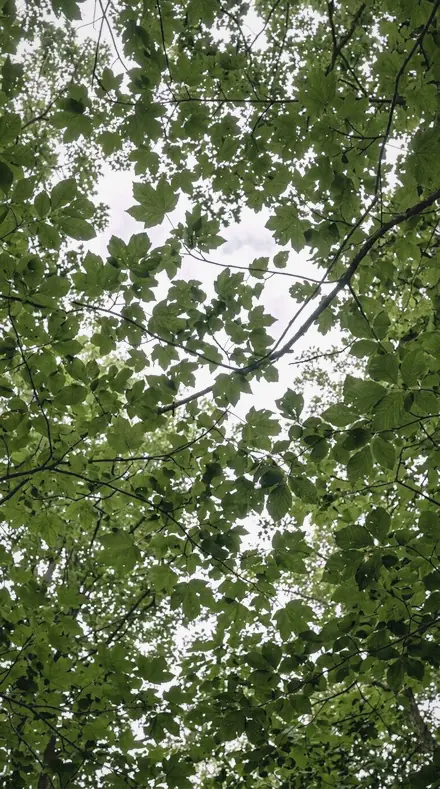
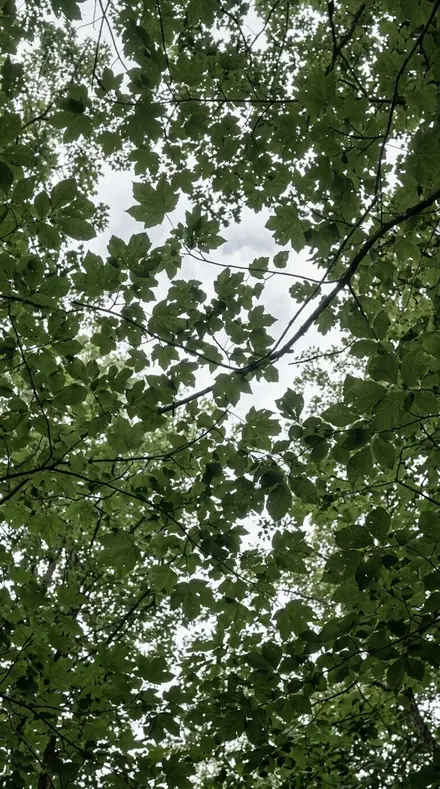
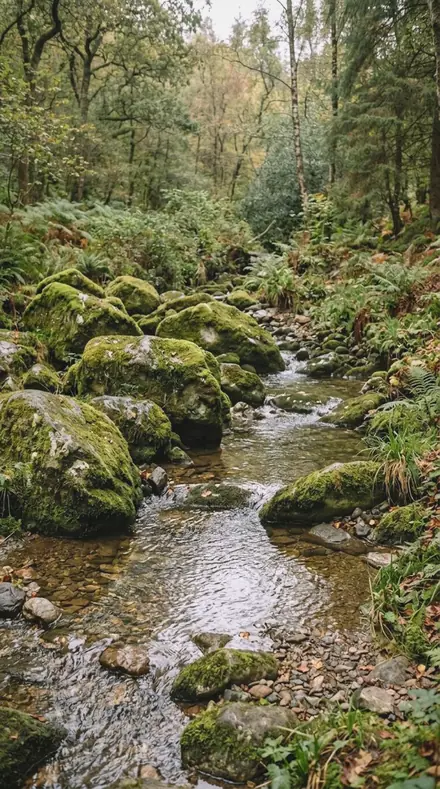
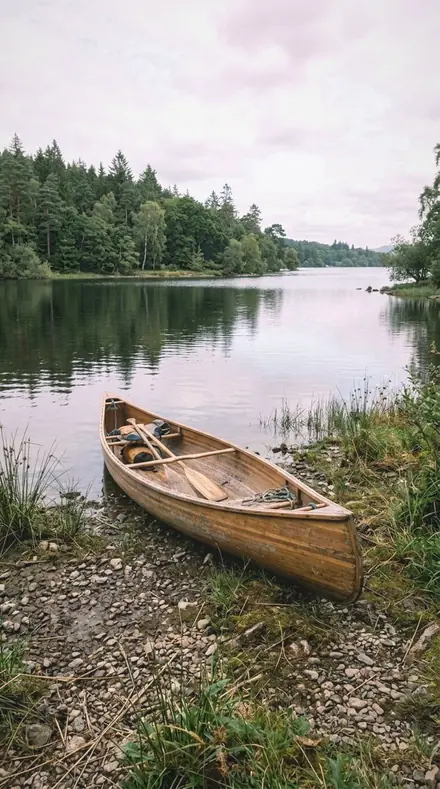
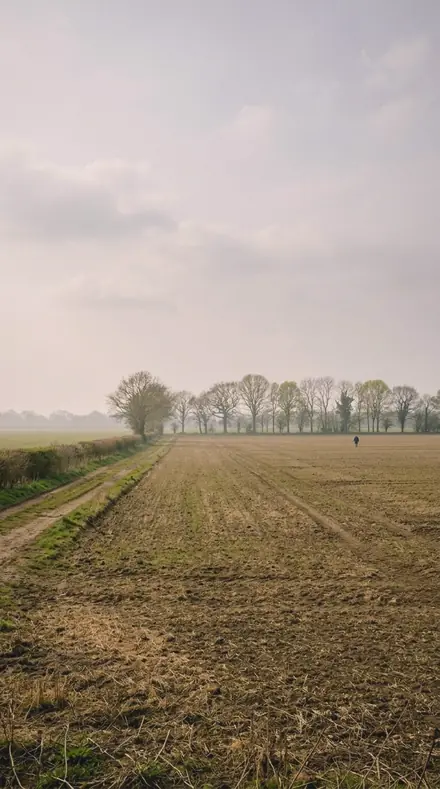
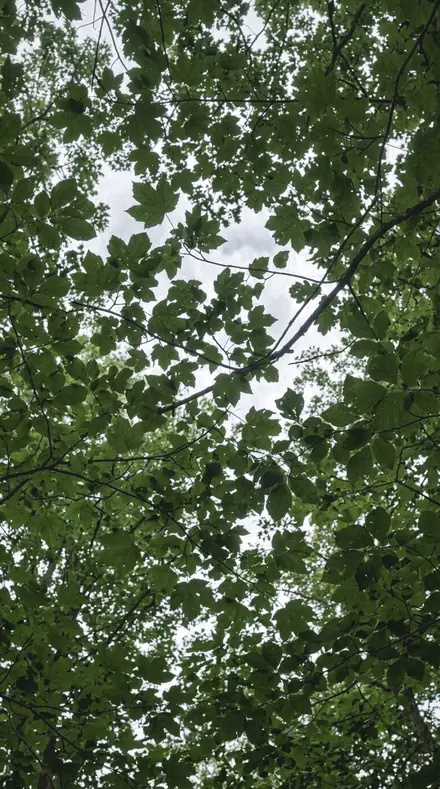
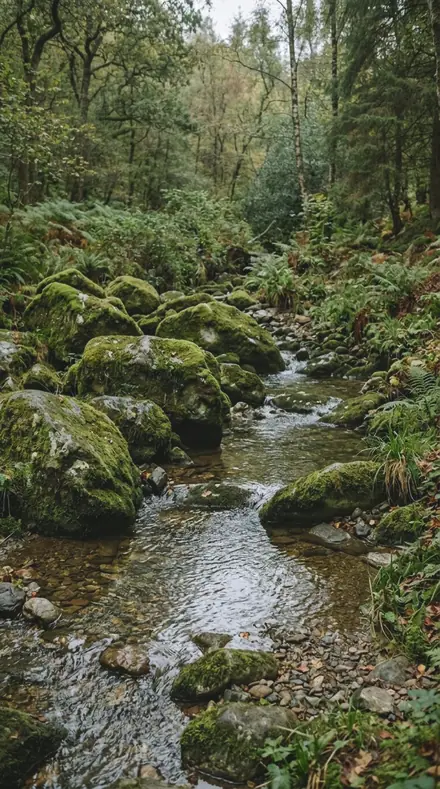
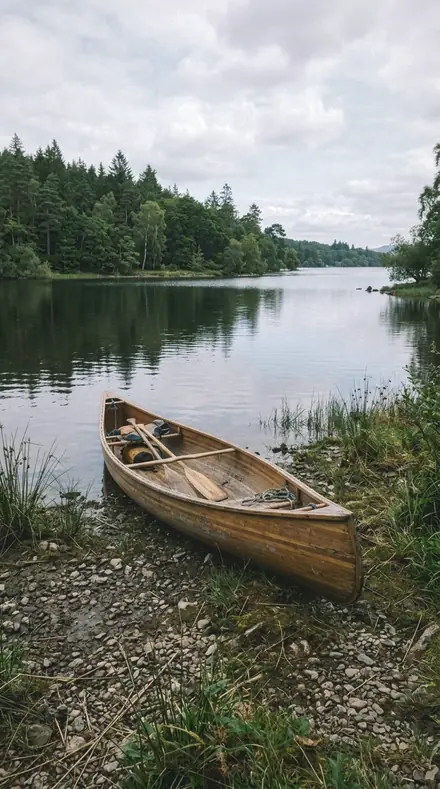
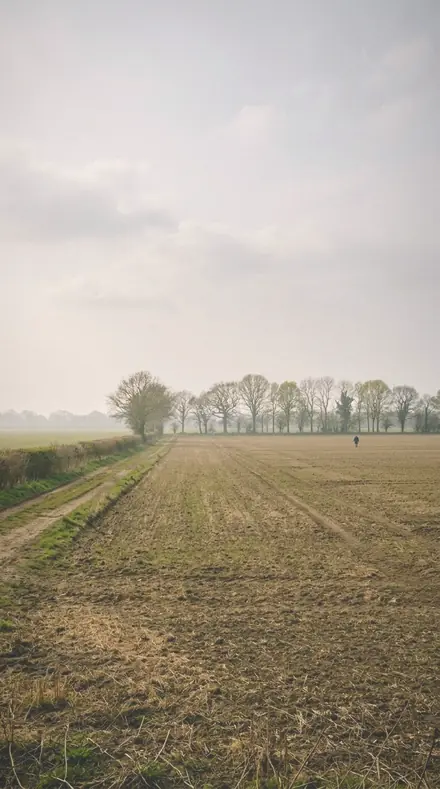
Midday, the sun
5 presetsA sun near the zenith. Short shadows opened, wet leaves kept specular.
day 03Leaf Sweatleaf surfaces near saturation humidity are wet and specular, so the highlights are pulled hard
![Leaf Sweat applied to Shade under the fronds, green left honest]()
![Before: Shade under the fronds, green left honest]()
Shade under the fronds, green left honest ![Leaf Sweat applied to Wet stone and leaf, the sheen kept]()
![Before: Wet stone and leaf, the sheen kept]()
Wet stone and leaf, the sheen kept ![Leaf Sweat applied to The lagoon, pale under a hazy sky]()
![Before: The lagoon, pale under a hazy sky]()
The lagoon, pale under a hazy sky ![Leaf Sweat applied to The milky sky, accepted]()
![Before: The milky sky, accepted]()
The milky sky, accepted Drag the handle. Left is the original, right is Leaf Sweat. Rendered from the preset's own settings, not a Lightroom export, so the real thing carries a little more bite.
day 09Overhead Suna sun near the zenith gives short shadows and a hot top light, and the shadow slider opens what it leaves
![Overhead Sun applied to Shade under the fronds, green left honest]()
![Before: Shade under the fronds, green left honest]()
Shade under the fronds, green left honest ![Overhead Sun applied to Wet stone and leaf, the sheen kept]()
![Before: Wet stone and leaf, the sheen kept]()
Wet stone and leaf, the sheen kept ![Overhead Sun applied to The lagoon, pale under a hazy sky]()
![Before: The lagoon, pale under a hazy sky]()
The lagoon, pale under a hazy sky ![Overhead Sun applied to The milky sky, accepted]()
![Before: The milky sky, accepted]()
The milky sky, accepted Drag the handle. Left is the original, right is Overhead Sun. Rendered from the preset's own settings, not a Lightroom export, so the real thing carries a little more bite.
day 12Palm Shadehard overhead sun through leaves gives a high-frequency light, graded with texture rather than clarity
![Palm Shade applied to Shade under the fronds, green left honest]()
![Before: Shade under the fronds, green left honest]()
Shade under the fronds, green left honest ![Palm Shade applied to Wet stone and leaf, the sheen kept]()
![Before: Wet stone and leaf, the sheen kept]()
Wet stone and leaf, the sheen kept ![Palm Shade applied to The lagoon, pale under a hazy sky]()
![Before: The lagoon, pale under a hazy sky]()
The lagoon, pale under a hazy sky ![Palm Shade applied to The milky sky, accepted]()
![Before: The milky sky, accepted]()
The milky sky, accepted Drag the handle. Left is the original, right is Palm Shade. Rendered from the preset's own settings, not a Lightroom export, so the real thing carries a little more bite.
day 13Leaf Glossa wet leaf reflects the sky as a specular sheet, so the aqua and blue bands are separated for it
![Leaf Gloss applied to Shade under the fronds, green left honest]()
![Before: Shade under the fronds, green left honest]()
Shade under the fronds, green left honest ![Leaf Gloss applied to Wet stone and leaf, the sheen kept]()
![Before: Wet stone and leaf, the sheen kept]()
Wet stone and leaf, the sheen kept ![Leaf Gloss applied to The lagoon, pale under a hazy sky]()
![Before: The lagoon, pale under a hazy sky]()
The lagoon, pale under a hazy sky ![Leaf Gloss applied to The milky sky, accepted]()
![Before: The milky sky, accepted]()
The milky sky, accepted Drag the handle. Left is the original, right is Leaf Gloss. Rendered from the preset's own settings, not a Lightroom export, so the real thing carries a little more bite.
day 15Vertical Sunthe overhead case: the sun close to vertical, with highlights rolled off and shadows opened at the same time
![Vertical Sun applied to Shade under the fronds, green left honest]()
![Before: Shade under the fronds, green left honest]()
Shade under the fronds, green left honest ![Vertical Sun applied to Wet stone and leaf, the sheen kept]()
![Before: Wet stone and leaf, the sheen kept]()
Wet stone and leaf, the sheen kept ![Vertical Sun applied to The lagoon, pale under a hazy sky]()
![Before: The lagoon, pale under a hazy sky]()
The lagoon, pale under a hazy sky ![Vertical Sun applied to The milky sky, accepted]()
![Before: The milky sky, accepted]()
The milky sky, accepted Drag the handle. Left is the original, right is Vertical Sun. Rendered from the preset's own settings, not a Lightroom export, so the real thing carries a little more bite.
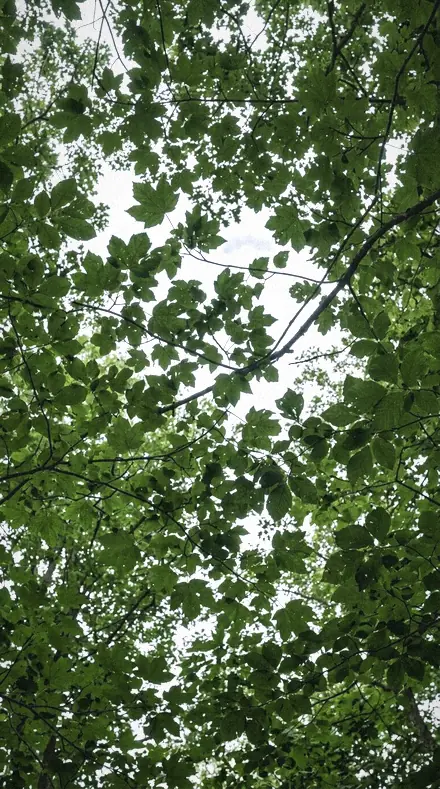
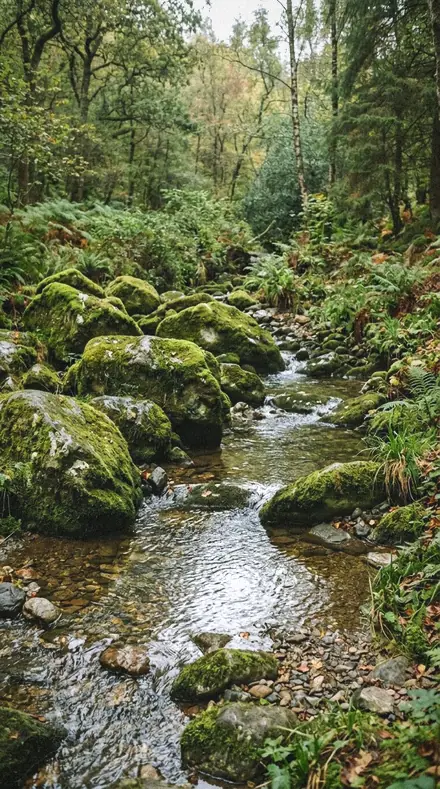
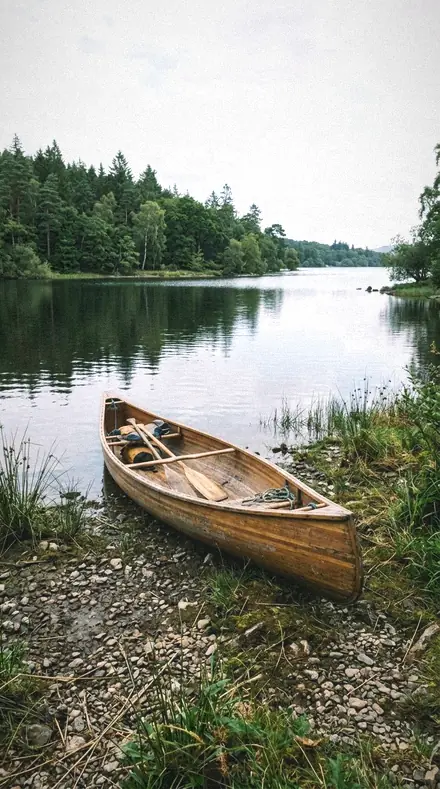
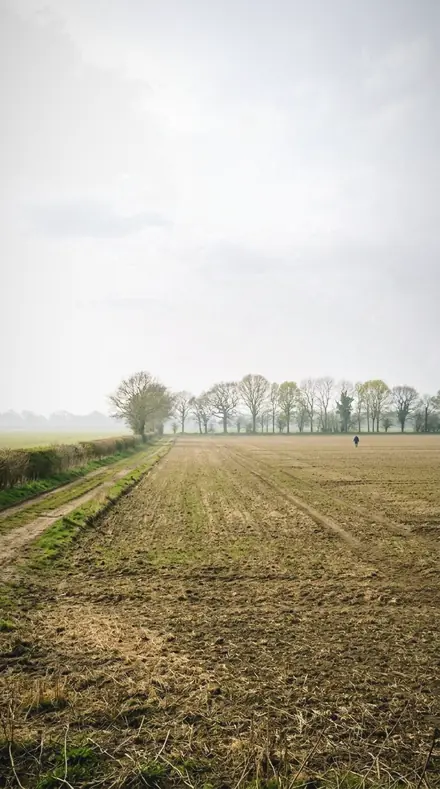
Afternoon, the shade
7 presetsUnder the canopy. Green-filtered light kept green, never pushed to cyan.
day 02Canopy Dampunder a closed canopy the transmitted light is green, which is why the tint is pushed toward magenta
![Canopy Damp applied to Shade under the fronds, green left honest]()
![Before: Shade under the fronds, green left honest]()
Shade under the fronds, green left honest ![Canopy Damp applied to Wet stone and leaf, the sheen kept]()
![Before: Wet stone and leaf, the sheen kept]()
Wet stone and leaf, the sheen kept ![Canopy Damp applied to The lagoon, pale under a hazy sky]()
![Before: The lagoon, pale under a hazy sky]()
The lagoon, pale under a hazy sky ![Canopy Damp applied to The milky sky, accepted]()
![Before: The milky sky, accepted]()
The milky sky, accepted Drag the handle. Left is the original, right is Canopy Damp. Rendered from the preset's own settings, not a Lightroom export, so the real thing carries a little more bite.
day 06Jungle Dampdamp understorey under a high sun, with green luminance dropped so the foliage keeps weight
![Jungle Damp applied to Shade under the fronds, green left honest]()
![Before: Shade under the fronds, green left honest]()
Shade under the fronds, green left honest ![Jungle Damp applied to Wet stone and leaf, the sheen kept]()
![Before: Wet stone and leaf, the sheen kept]()
Wet stone and leaf, the sheen kept ![Jungle Damp applied to The lagoon, pale under a hazy sky]()
![Before: The lagoon, pale under a hazy sky]()
The lagoon, pale under a hazy sky ![Jungle Damp applied to The milky sky, accepted]()
![Before: The milky sky, accepted]()
The milky sky, accepted Drag the handle. Left is the original, right is Jungle Damp. Rendered from the preset's own settings, not a Lightroom export, so the real thing carries a little more bite.
day 07Leaf Sapwet vegetation is genuinely more saturated than dry, and that lives in the green band alone
![Leaf Sap applied to Shade under the fronds, green left honest]()
![Before: Shade under the fronds, green left honest]()
Shade under the fronds, green left honest ![Leaf Sap applied to Wet stone and leaf, the sheen kept]()
![Before: Wet stone and leaf, the sheen kept]()
Wet stone and leaf, the sheen kept ![Leaf Sap applied to The lagoon, pale under a hazy sky]()
![Before: The lagoon, pale under a hazy sky]()
The lagoon, pale under a hazy sky ![Leaf Sap applied to The milky sky, accepted]()
![Before: The milky sky, accepted]()
The milky sky, accepted Drag the handle. Left is the original, right is Leaf Sap. Rendered from the preset's own settings, not a Lightroom export, so the real thing carries a little more bite.
day 08Forest Dampfor the humid forest floor, where the shadow grading wheel is lowered because the shade is deep and green
![Forest Damp applied to Shade under the fronds, green left honest]()
![Before: Shade under the fronds, green left honest]()
Shade under the fronds, green left honest ![Forest Damp applied to Wet stone and leaf, the sheen kept]()
![Before: Wet stone and leaf, the sheen kept]()
Wet stone and leaf, the sheen kept ![Forest Damp applied to The lagoon, pale under a hazy sky]()
![Before: The lagoon, pale under a hazy sky]()
The lagoon, pale under a hazy sky ![Forest Damp applied to The milky sky, accepted]()
![Before: The milky sky, accepted]()
The milky sky, accepted Drag the handle. Left is the original, right is Forest Damp. Rendered from the preset's own settings, not a Lightroom export, so the real thing carries a little more bite.
day 10Fern Shadeshade under fronds is lit by green-filtered light; the aqua hue is turned to keep it from going cyan
![Fern Shade applied to Shade under the fronds, green left honest]()
![Before: Shade under the fronds, green left honest]()
Shade under the fronds, green left honest ![Fern Shade applied to Wet stone and leaf, the sheen kept]()
![Before: Wet stone and leaf, the sheen kept]()
Wet stone and leaf, the sheen kept ![Fern Shade applied to The lagoon, pale under a hazy sky]()
![Before: The lagoon, pale under a hazy sky]()
The lagoon, pale under a hazy sky ![Fern Shade applied to The milky sky, accepted]()
![Before: The milky sky, accepted]()
The milky sky, accepted Drag the handle. Left is the original, right is Fern Shade. Rendered from the preset's own settings, not a Lightroom export, so the real thing carries a little more bite.
day 16Mangrove Lighttidal forest under humid light, with the midtone grading wheel sitting in the green arc
![Mangrove Light applied to Shade under the fronds, green left honest]()
![Before: Shade under the fronds, green left honest]()
Shade under the fronds, green left honest ![Mangrove Light applied to Wet stone and leaf, the sheen kept]()
![Before: Wet stone and leaf, the sheen kept]()
Wet stone and leaf, the sheen kept ![Mangrove Light applied to The lagoon, pale under a hazy sky]()
![Before: The lagoon, pale under a hazy sky]()
The lagoon, pale under a hazy sky ![Mangrove Light applied to The milky sky, accepted]()
![Before: The milky sky, accepted]()
The milky sky, accepted Drag the handle. Left is the original, right is Mangrove Light. Rendered from the preset's own settings, not a Lightroom export, so the real thing carries a little more bite.
day 17Humid Shadefor subjects in humid shade, where the only fill available is scattered green light
![Humid Shade applied to Shade under the fronds, green left honest]()
![Before: Shade under the fronds, green left honest]()
Shade under the fronds, green left honest ![Humid Shade applied to Wet stone and leaf, the sheen kept]()
![Before: Wet stone and leaf, the sheen kept]()
Wet stone and leaf, the sheen kept ![Humid Shade applied to The lagoon, pale under a hazy sky]()
![Before: The lagoon, pale under a hazy sky]()
The lagoon, pale under a hazy sky ![Humid Shade applied to The milky sky, accepted]()
![Before: The milky sky, accepted]()
The milky sky, accepted Drag the handle. Left is the original, right is Humid Shade. Rendered from the preset's own settings, not a Lightroom export, so the real thing carries a little more bite.
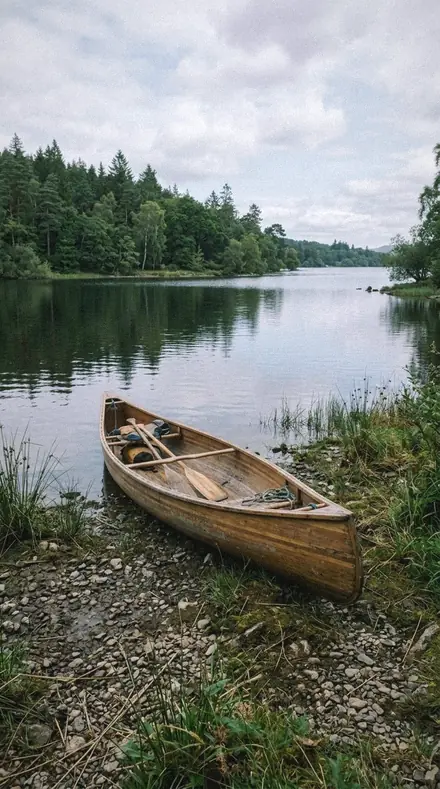
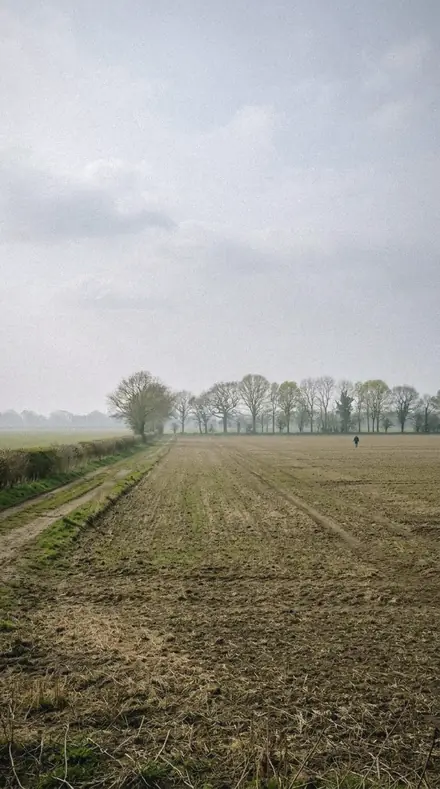
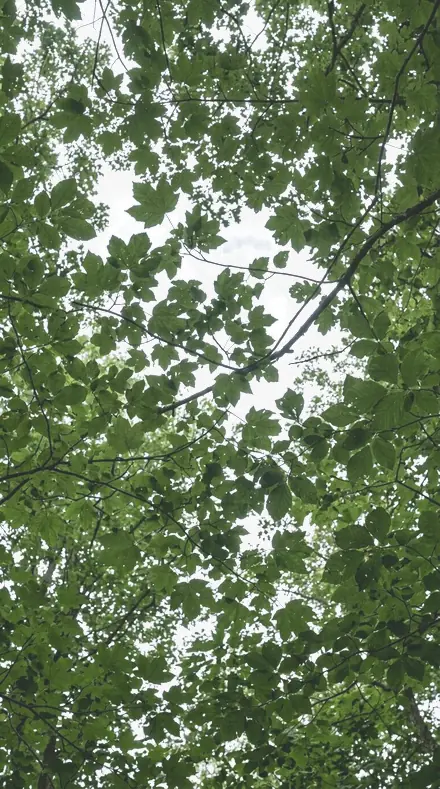
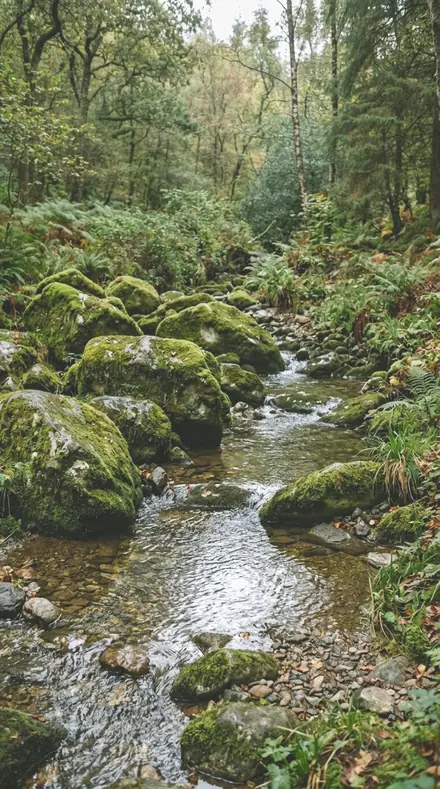
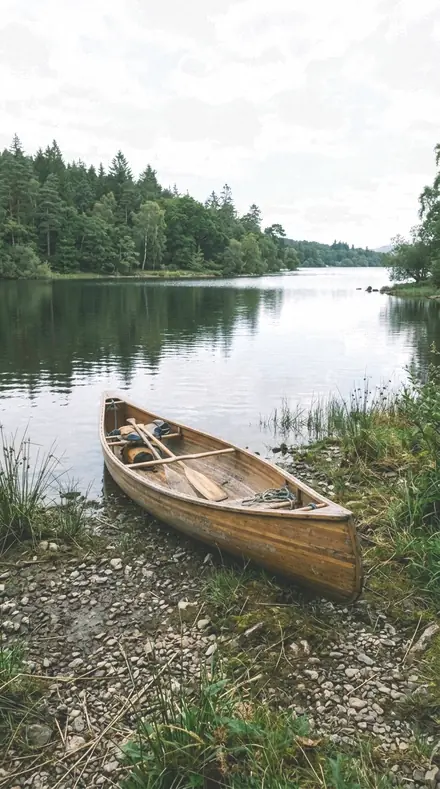
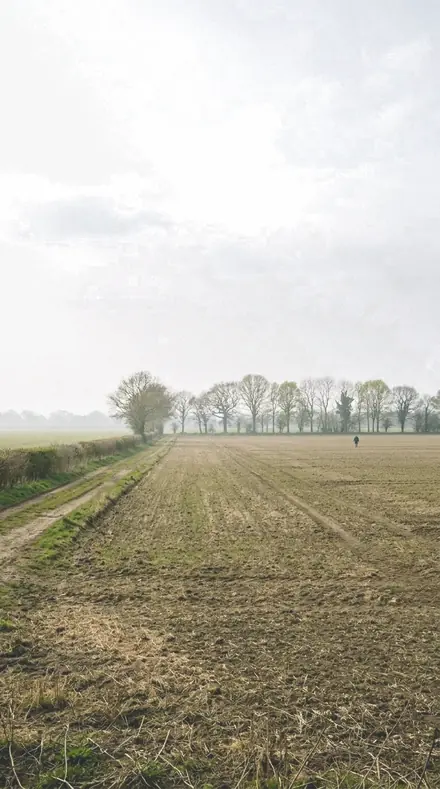
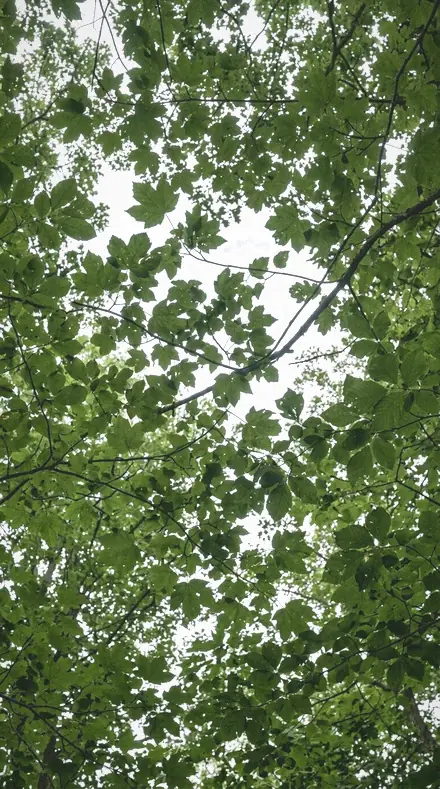
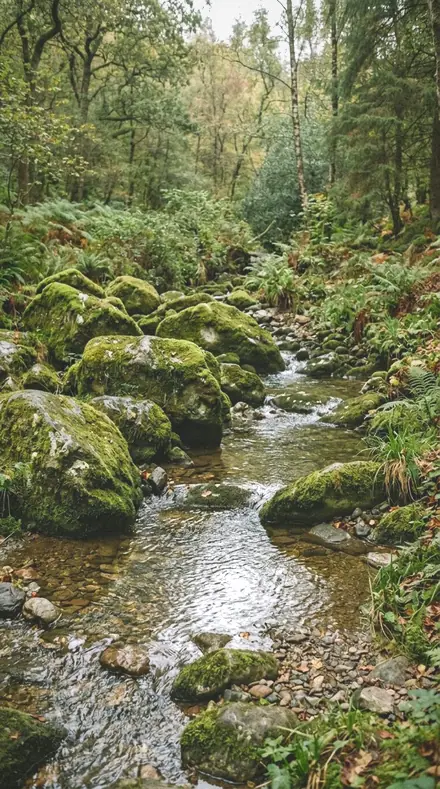
how it works
Yours in two minutes
- Buy the setCheckout takes a card; you get a receipt by email.
- Download instantlyThe preset files download right after payment. Re-download any time from your account.
- Import to LightroomOpen the files in the free Lightroom app (iOS or Android) or Lightroom Classic. Lightroom saves them as presets automatically.
- Tap a presetOne tap applies the full look. Every setting stays editable after.
- Single-user license. Yours to use in personal and client work.
- No redistribution. Don't resell or share the preset files themselves.
- Free app is enough. No Adobe subscription needed for Lightroom mobile.
- Keep it forever. Files live in your account for re-download.

the maker
Why I Make These
I am Netzah Elad Topaz. I take photographs and I build software, and the two keep leading me back to the same problem. You were there. The light was doing something you will not see again. Then the photo comes back flat, and it is not what you were looking at.
Closing that gap is the whole job. Every preset here is built from Adobe defaults by hand, with a written note for what it should do to a picture, and it is judged on real photographs before it ships. Nothing is a filter dropped on top of your work.
What I want is simple. You open a photo you almost gave up on, you tap once, and there it is: the day you remember, not the file your camera handed you. That is worth doing properly.
Netzah Elad Topaz, photographer and software builder
get it
Get Tropical Humid
Tropical Humid
$79.99
All 18 presets · one-time payment · instant download
Works in the free Lightroom app · keep forever
Instant download after payment. The download link is also sent to your email and stays available in your account.
questions
Asked and Answered
My sky is white. Will these make it blue?
No, on purpose. Under humid air the sky is milky and these presets grade it that way. If you want a deep blue sky you want a dry-climate collection, not this one.
Which one for a jungle trail at noon?
Jungle Damp. It drops green luminance so the foliage keeps its weight under a high sun. If the trail is in deep shade, Forest Damp instead.
Do these work in the free Lightroom app?
Yes. Import the .xmp files in the free Lightroom app on iPhone or Android, no subscription needed. They also work in Lightroom Classic and Lightroom on desktop.
What exactly do I get?
All 18 presets from Tropical Humid as .xmp files in an instant ZIP download. The link also lands in your email, and the purchase stays in your account so you can re-download any time.
How do I install them?
Two minutes: unzip, then import inside Lightroom. The step-by-step guide covers iPhone, Android, and desktop.
Can I use them for client work?
Yes. The single-user license covers personal and commercial photography. The one thing you can't do is share or resell the preset files themselves.
Can I tweak a preset after applying it?
Always. A preset is a starting point; every slider stays yours to adjust.
What if it's not for me?
Before your first download we refund, no questions asked. After a download, sales are final except a technical fault we cannot fix or a duplicate charge. Details on the refunds page.